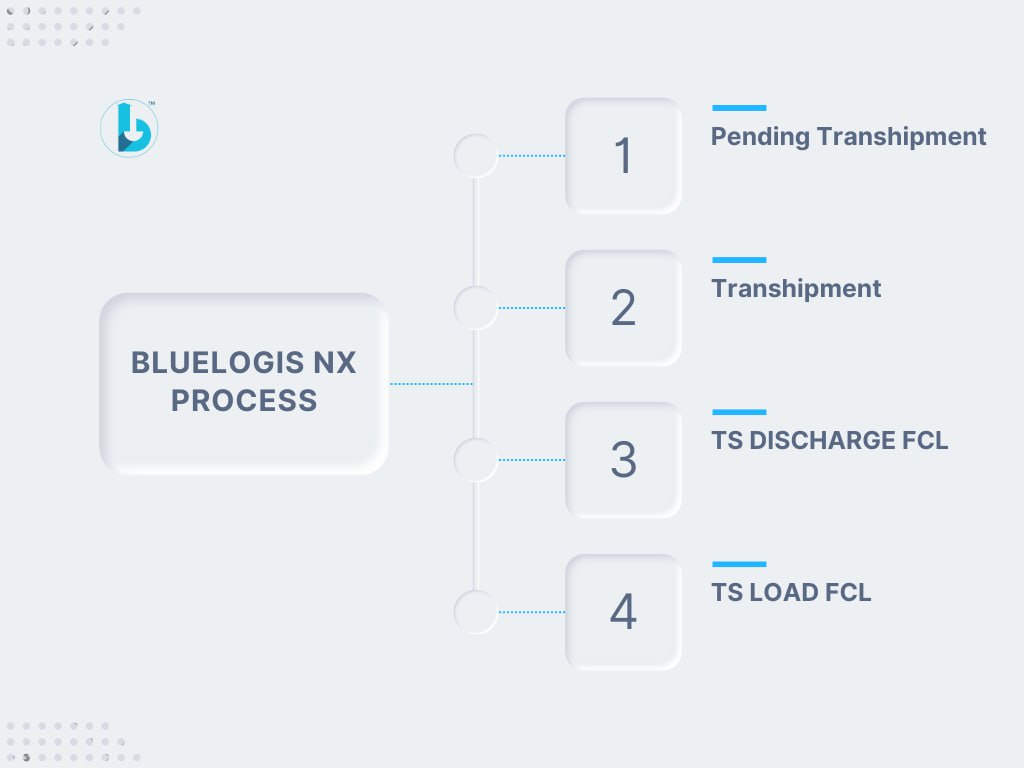
Transhipment Process from INNSA1 to IRBND via AEJEA
1.1 Create Two Voyages
Begin by creating two separate voyages:
-
First Voyage: From INNSA to AEJEA
-
Second Voyage: From AEJEA to IRBND
These voyages represent the two legs of the transhipment route.
1.2 Create Export Booking
Next, create an Export Booking and attach both voyages (the first and the second) to it.
All other processes remain the same as a standard export booking.
Complete all container movements using the first voyage.
1.3 Generate Transhipment Booking
Once the export process is completed:
-
Navigate to Booking → Pending Transhipment screen.
-
Locate the corresponding Export Booking Number.
-
Click on the booking number — this action will automatically copy all data from the export booking and create a new Transhipment Booking.
You can view the newly created transhipment booking under:
Booking → Transhipment
1.4 Record Required Events
Two specific events must be recorded for the transhipment operation:
-
TS DISCHARGE FCL
-
TS LOAD FCL
To Update Events:
-
Go to Box Control → Event Update.
-
Select TS → TS DISCHARGE FCL.
-
Enter the First Voyage, fetch all container data, and save the event.
-
-
Again, go to Box Control → Event Update.
-
Select TS → TS LOAD FCL.
-
Enter the Second Voyage, fetch all container data, and save the event.
-
1.5 Pending Import
Once the transhipment is complete, proceed with the Pending Import process.
Follow the standard Import procedures to complete the workflow.